
OEMNAVIGATIONS
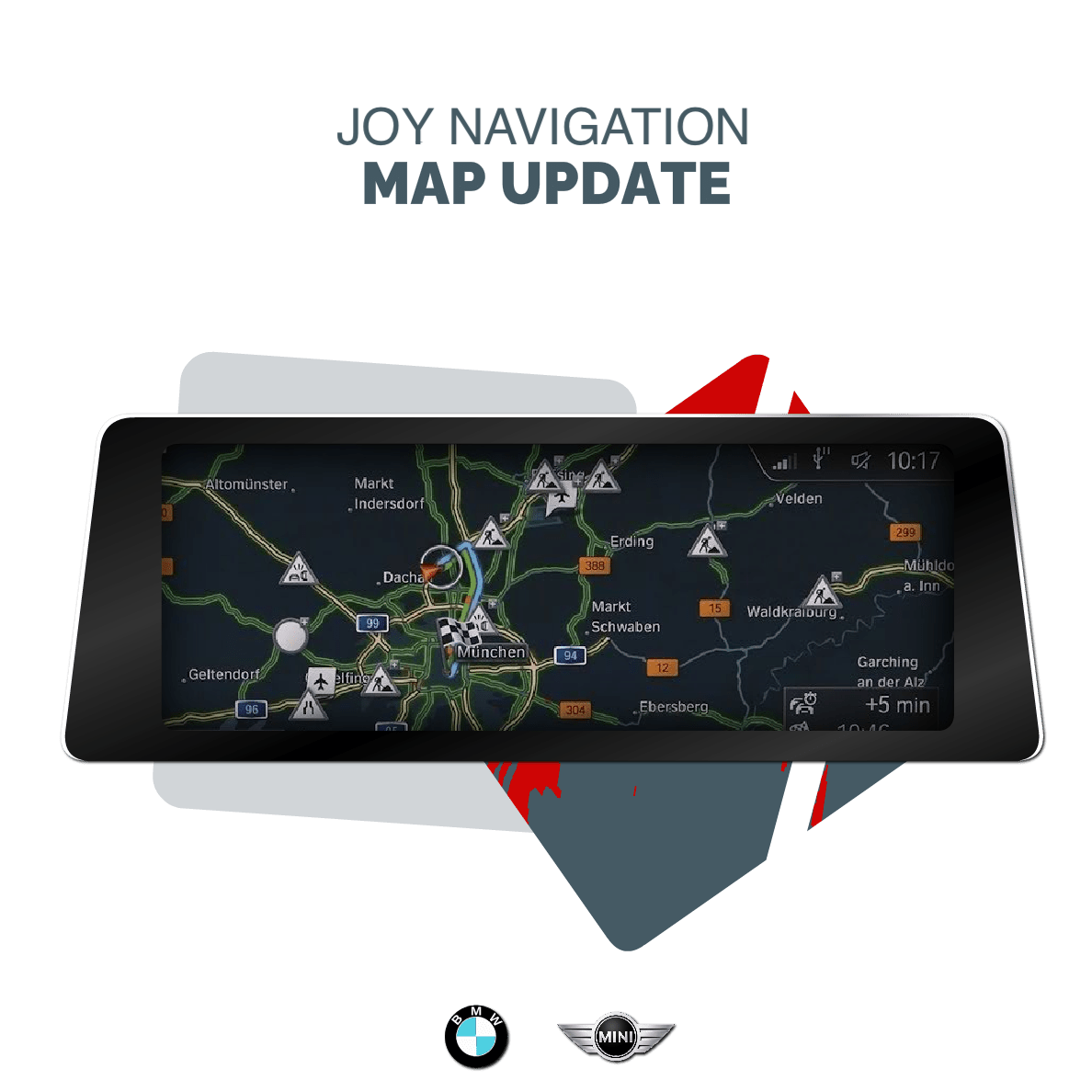
BMW & MINI NAVIGATION MAP UPDATE - JOY MAPS
BMW & MINI NAVIGATION MAP UPDATE - JOY MAPS
Couldn't load pickup availability
This BMW & MINI Navigation Update package includes everything you need to get started: the FSC Code, Map Files, a Clear Instruction Guide, and our exclusive BMW Map Download Manager for an easy BMW map update.
Our BMW & MINI Map Download Manager simplifies the entire process, doing all the work for you with just a few clicks. No technical knowledge is required — the app handles everything automatically:
- Downloads your BMW & MINI navigation map files
- Extracts the files seamlessly
- Formats your USB drive correctly
- Copies all necessary files to your USB drive, ready for installation
You can upload the FSC activation file without any special tools in most cases.
The exception? If you’re switching regions — Please note: This update is only for your current region. You can't use it to change your region.
This BMW map update is designed for BMW and MINI iDrive systems equipped with the Road Map JOY Maps.
Unsure if this is the correct map version for your iDrive? Our FAQ section guides you on how to check it, or you can use our Free BMW VIN Decoder to determine the maps installed on your iDrive. Once you have received the PDF containing the results from your VIN Lookup, check the Head unit / Map Version section.
Choosing is then straightforward: for example if your system has Premium maps, you have to opt for the Premium map version.