
OEMNAVIGATIONS
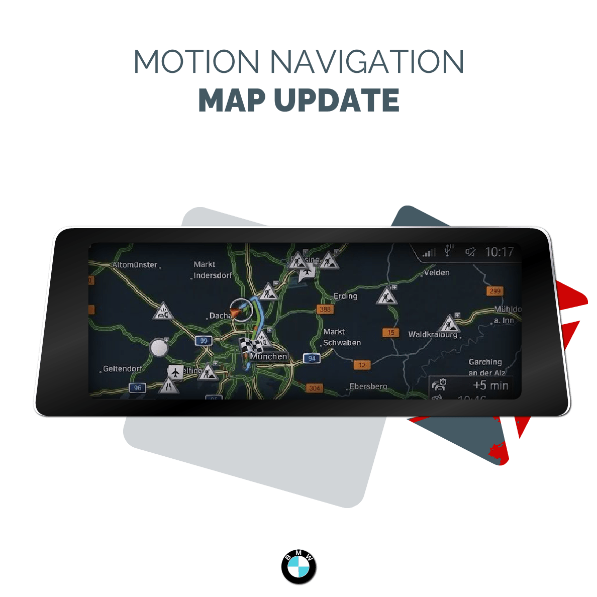
BMW & MINI NAVIGATION MAP UPDATE - MOTION MAPS
Couldn't load pickup availability
This BMW & MINI Navigation Update includes everything you need to get started: the FSC Code, Map Files, a Clear Instruction Guide, and our exclusive BMW Map Download Manager for an easy BMW map update.
Our BMW & MINI Map Download Manager simplifies the entire process, doing all the work for you with just a few clicks. No technical knowledge is required — the app handles everything automatically:
- Downloads your BMW & MINI navigation map files
- Extracts the files seamlessly
- Formats your USB drive correctly
- Copies all necessary files to your USB drive, ready for installation
This BMW map update is designed for BMW and MINI iDrive systems equipped with the Road Map MOTION Maps.
Unsure if this is the correct map version for your iDrive? Our FAQ section guides you on how to check it, or you can use our Free BMW VIN Decoder to determine the maps installed on your iDrive. Once you have received the PDF containing the results from your VIN Lookup, check the Head unit / Map Version section.
Choosing is then straightforward: for example if your system has Premium maps, you have to opt for the Premium map version.
Share

Perfekt job 👍👍👍
I had an issue when I bought the car resulting in a infinite spinning wheel when trying to load up the Navigation system, convinced it was failing hardware i left it for a few days before deciding to give updating the maps a go for the small price of $30 or so Aussie dollars, I popped in the last 7 digits of my vin into the decoder provided and that told me which radio version I had, MOTION, from there i bought the map to match with a bundled FSC code, the update went smoothly via usb in the glove box, it was done within about 15 minutes, pretty simple, with the car parked plug in the usb and enter the FSC Code, it will automatically pop up if you have copied the update files correctly to the usb, easy to understand instructions are provided in your email, when you have entered your code go for a drive and the radio will restart itself, don't panic, just boot up Navigation again when it turns back on and from memory i just had to go into the settings and hit start update, let it do it's thing and you're all set, it's been running perfectly since !!
Maps loaded fine ghen nothing happened, drove the car short distance and update started. You must drive the car whilst it’s updating, actually moving, not just engine running as I found out, but installed automatically one moving.
It is easy to work with but the only thing is missing is map of Malta
I got dowloaded all western countries but the one that i really need is map of Malta and you cannot find in any of Motion maps
All the rest was great and the price is really afordable and the service is great
Works
Note- Vehicle must be moving for CIC nav update